End Products
End Products are the final destinations for materials in a simulation, such as:
- Stock Piles
- Haul Trucks
- Railway Transport
- Product Bins
- Blending Stations (quasi-end product, see Blending Stations)
To set up an End Product:
- Install an End Product Item
- Right-click and select
Adjust Setup - Configure:
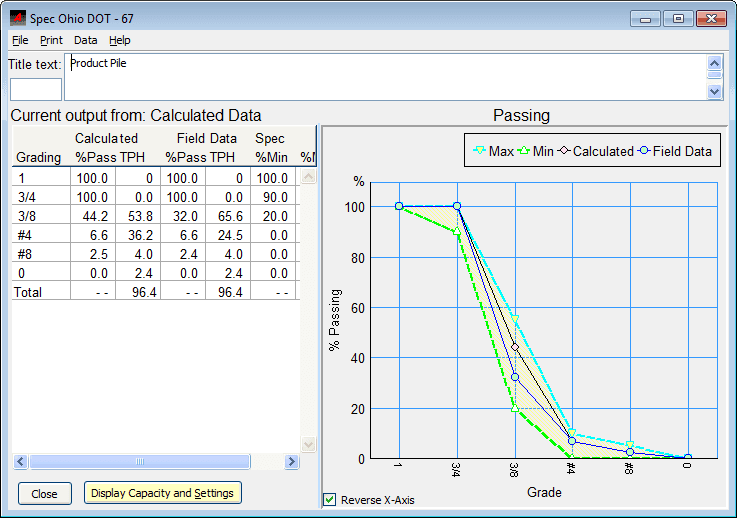
Measured Rate: Input field data rateMeasured Gradation: Compare actual to calculated resultsSpecificationsandEmissions: Track product specs and emissions
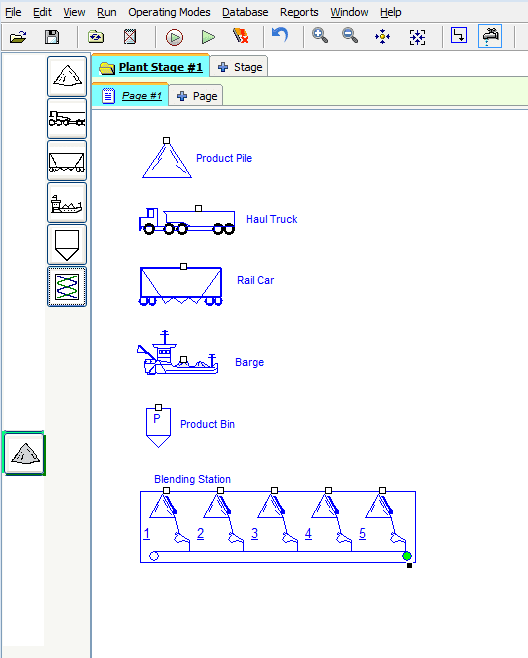
End products can have measured rates, measured gradations and specifications.
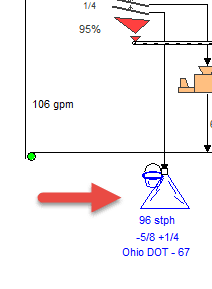
If this is entered, then the end product will show additional information in the results and the product will be displayed with a sample bucket.
Refer to the View Results section for more information.