Splitters, Flop Gates, Overflow Boxes
Use splitters, flop gates and overflow boxes to redirect material flow in the simulation and to mirror real life scenarios.
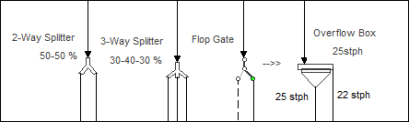
Right-click a Splitter or Flop gate to adjust the setup and manipulate the flow.
Splitters
Enter percentages or use the sliders to change the flow for splitters.
Flop Gates
Switch 100% of the flow direction from right to left.
Overflow Boxes
Limit the underflow to a maximum value with the surplus flow discharging in the overflow.
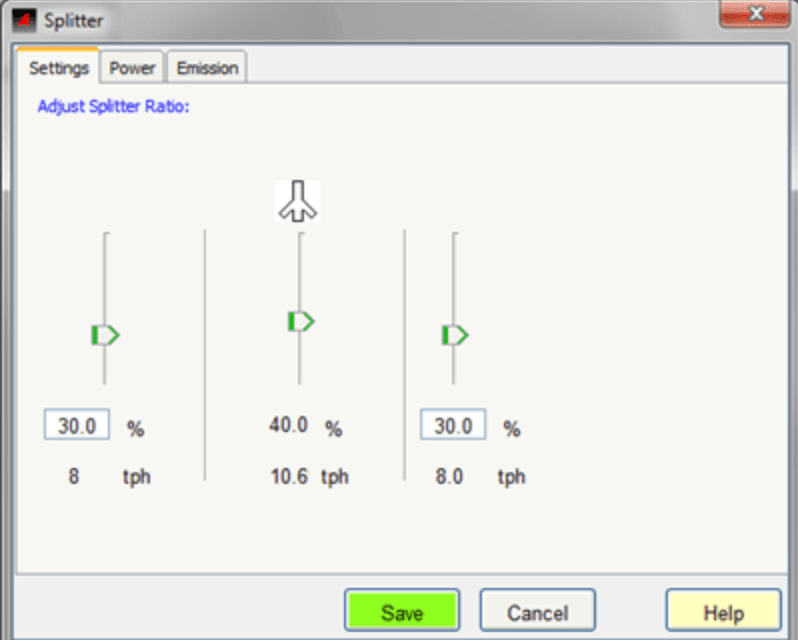
To rotate a splitter or flop gate select it, right-click and choose Rotate from the short-cut menu. The item will turn 90 degrees each time rotate is selected.