Inventory Items
Inventory Items (Surge Piles and Surge Bins) are used to indicate where material is stored temporarily before proceeding to additional production stages. Inventory Items are used to connect different stages together using the LINK feature.
Inventory items have either a discharge or feed connection and will show a red arrow showing the direction of material flow in the stage.
Adjust Setup on Inventory Items
Inventory items are adjusted in both stages that they are connected to.
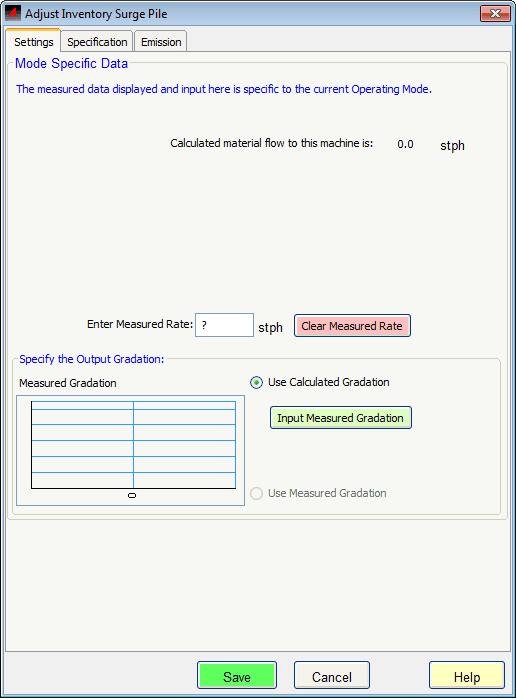
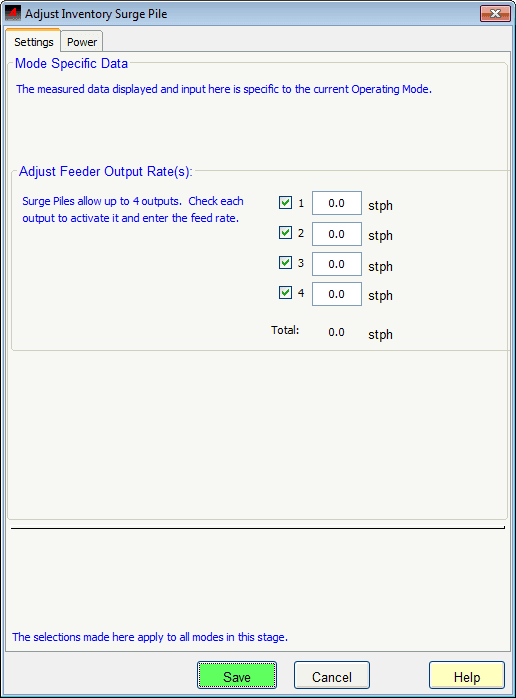
Right-click an Inventory Item and select Adjust Setup to indicate:
Measured Rate: Enter the measured rate (field data) at this point in the simulation.Specification: Use this tab to add a specification to the product.Feeder Output Rate(s): Adjust the output rate for feeders. Inventory piles can have up to 4 outputs. Indicate the output for each as desired.- Use the available tabs to track
PowerandEmissionsfor the inventory Item.
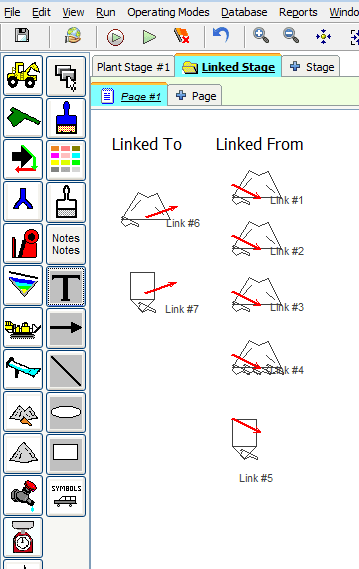
Use the Link Feature to connect one plant stage to another plant stage. Right-click the inventory item and choose
Link to from the short-cut menu.